Doom:Dark Ages-virtual machine edition/DOOM: The Dark Ages HYPERVISOR
Game Description
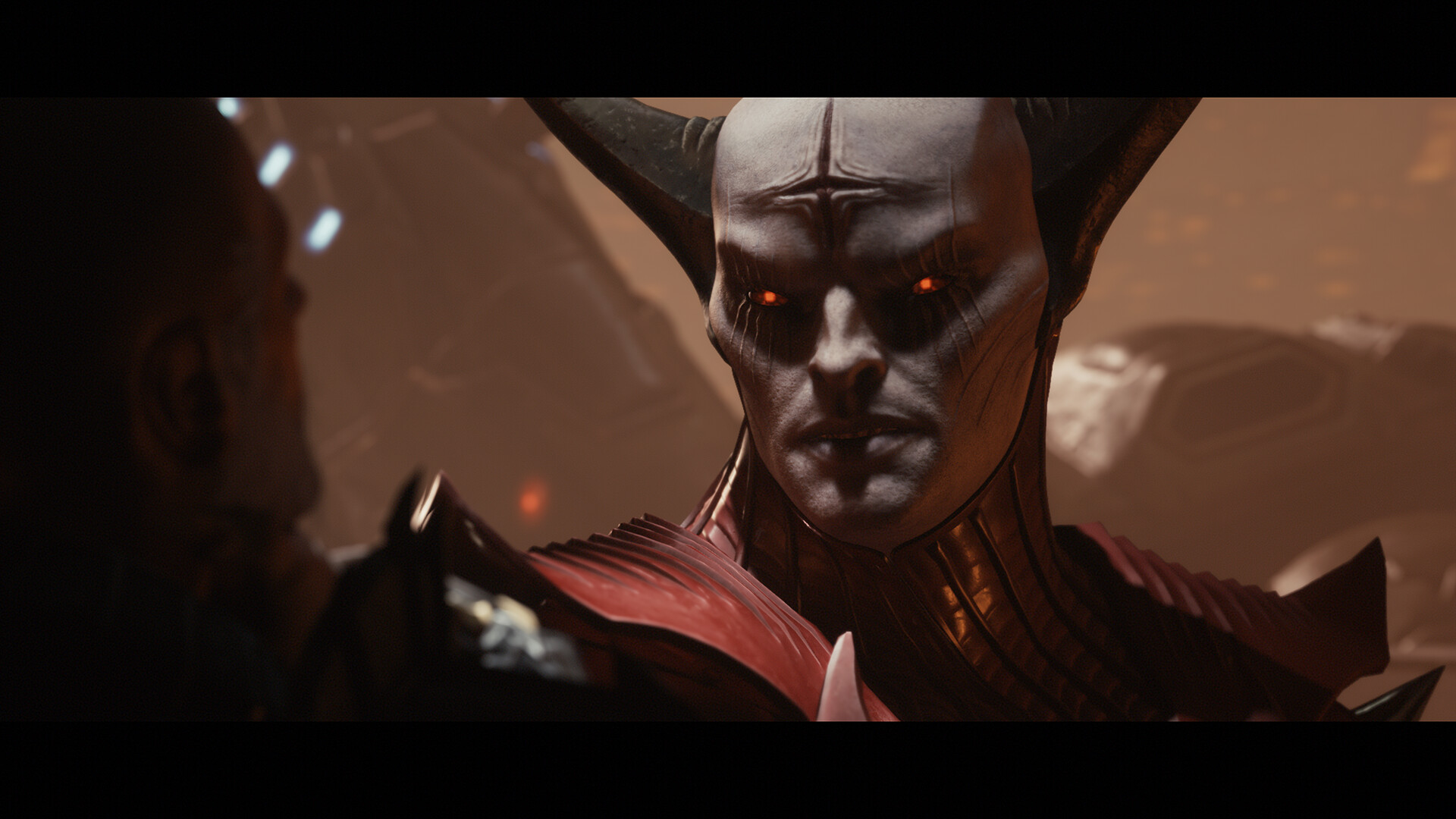
《DOOM: The Dark Ages》It’s a big hit.《DOOM》(2016) up to《DOOM Eternal》forward pass (sport),A magnificent cinematic origin story depicting the wrath of Doom。Players will take on the role of bloodthirsty warriors of destruction.,In this never-before-seen、Fighting the armies of hell in a treacherous medieval war。
Gameplay Video
Game Screenshots
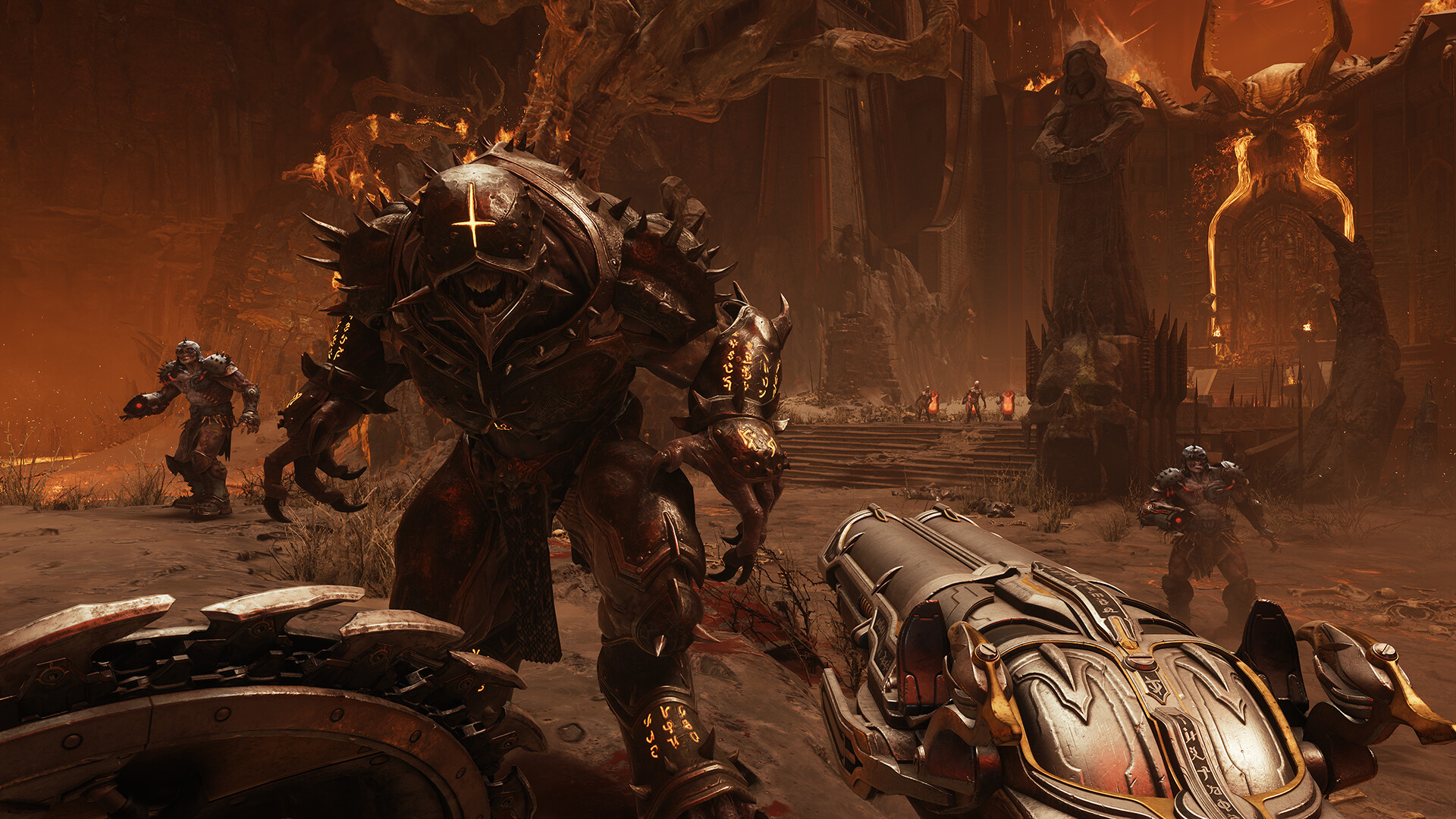
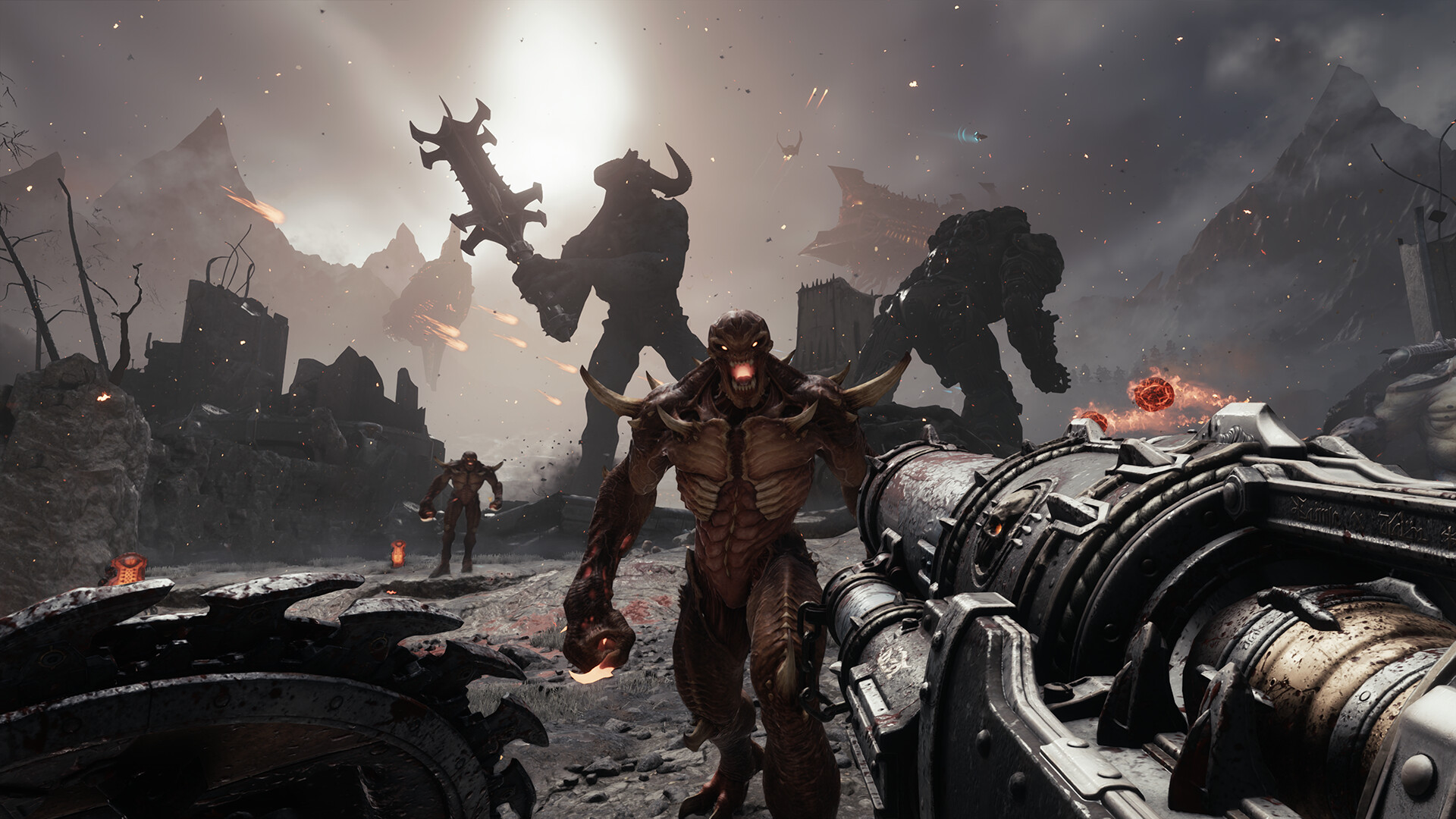
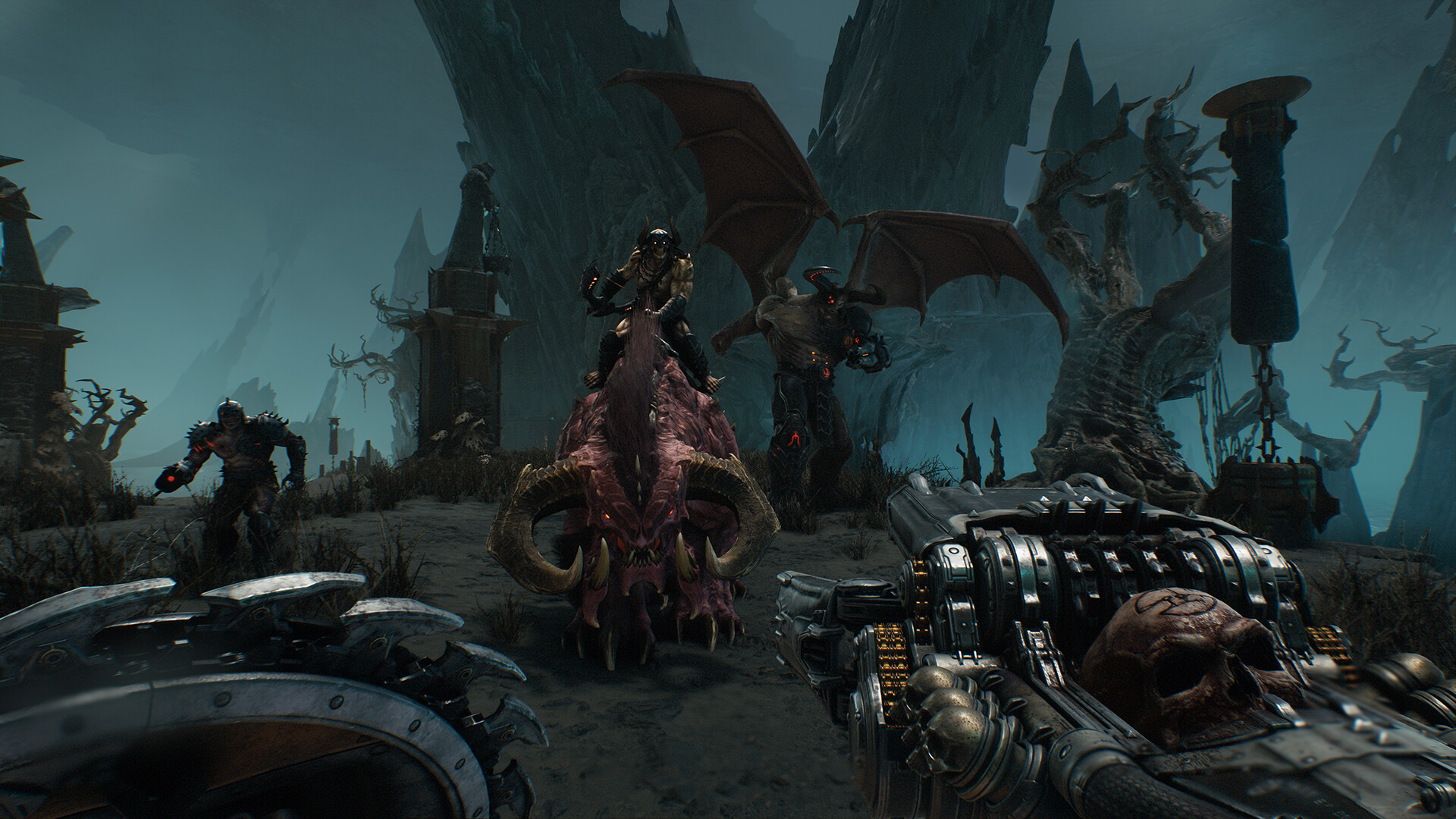
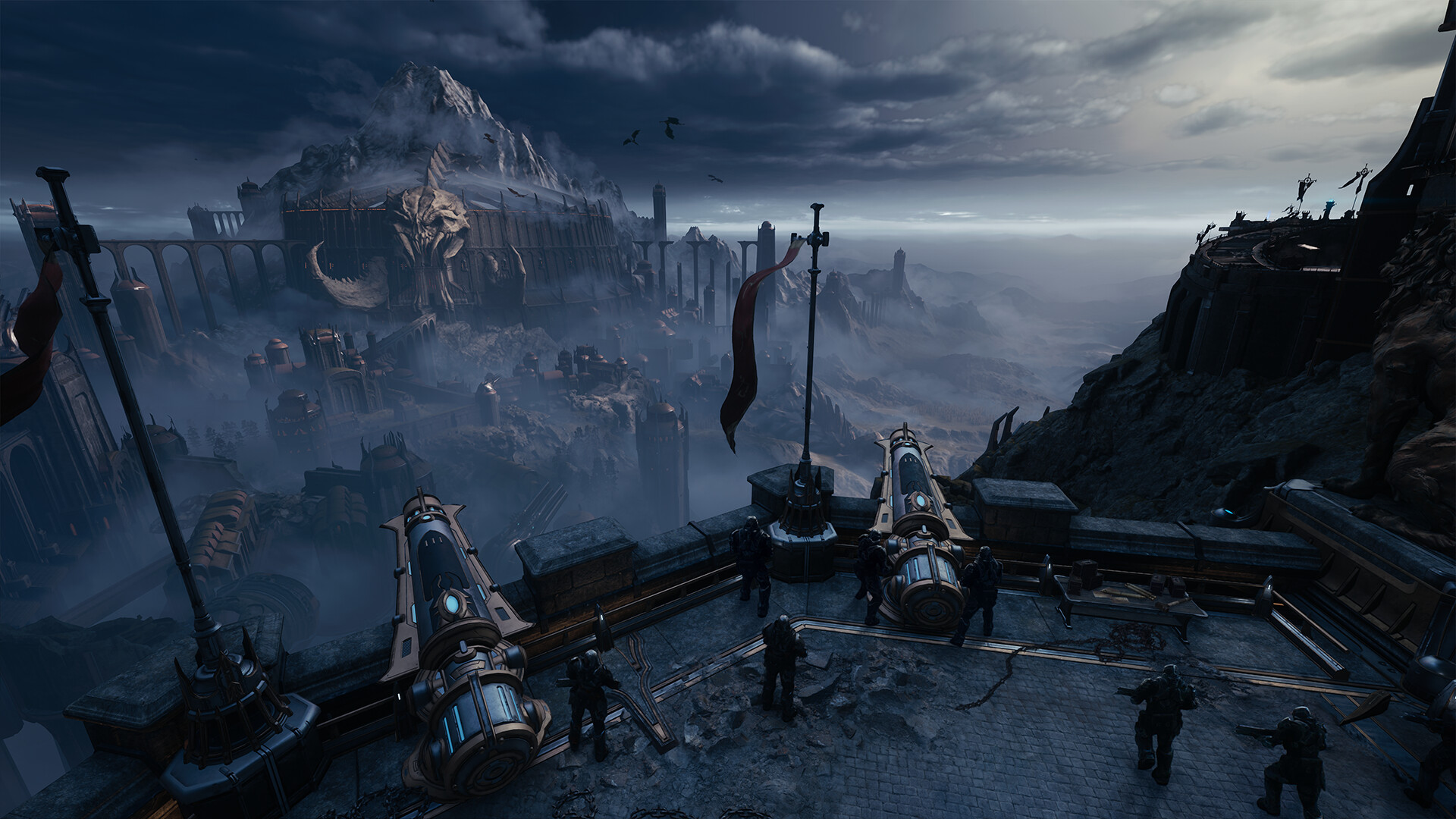

caveat
Virtual tools are still maturing(interested in the old man or womanIntel UInsufficient compatibility,But not necessarily unplayable.),rightAMD CPUSupport is good.。A lot of players actually test,The virtual machine is only used to bypass theDname of an ancient state。So play it.,It’s basically the same as the normal version.,Virtually no performance loss。
It’s not recommended if you don’t have the ability to do it and don’t want the hassle.(It’s not as much trouble as I thought.),But you really do get it.,DCrypto games are all playable with the relevant patches.。
Q1:Will it screw up the computer?
A:There’s no guarantee that everyone’s hardware will be compatible and playable,Think it over.!!Some people have a certain blue screen/crash (of a computer)/Risk of damage to the system!Delete it if you can’t play it without any help in tossing it.!
Q2:Will the game be laggy,Easy to flashback
A:The virtual machine is only used to bypass theDname of an ancient state,Little to no performance hit。These masterpieces require higher configurations,Some of the optimizations are also average,(If you can play.)If the flashback,There’s a very good chance you’ll get a flashback even if you play the original.
Q3:some gamesIntelCPUCan’t you play??
A:Recently updated game patches,intelIt’s all playable.,The author of the previous patch for the game has also been updating it in testing,It’s a virtual machine that’s coming of age.。Same patch, same game.,It’s also possible that yourintelplayable,another person’sintelunplayable
Startup Instructions
Preparing the environment before opening the game(Everyone has to do it. It only needs to be done once. Followed by uninterrupted play of allDencrypted game)
initial step:biosset up
1. Enabling Virtualization: locate SVM Mode (AMD) maybe Intel Virtualization Technology (Intel),set to Enabled。
2.Disable Secure Boot: locate Secure Boot,set to Disabled。
classifier for sums of money:Each motherboard’s specific settings are different Do not know the settings can be Baidu query or ask the beanbag their motherboard model of the relevant settings
second step:clotureBitLocker
1.Open the control panel Top-right view switches to a small icon locate“Bitlockerdrive encryption”
2.Set all drives to off,How many disks are there? They all have to be shut down.!
When all of the above is done:show (a ticket)Denuvo.exe Check that the first row of settings have all been completed All of them show a small green dot to indicate that the above steps are completed
We click on the software’s one-click configuration environment,Then reboot your computer.。
Continue to open after restarting the computerDenuvo.exestrike (on the keyboard) Installation of drivers → Startup Driver → Launching the game → Start playing.

Introduction of the version
Build.20760608_V1.2patch (for mending clothes, tires etc)|quantitative (science)83.5GB|Official Simplified Chinese|Keyboard support.keyboard.video game controller|Complimentary single board patch backup|Multi-modifier