Dragon Ball, Japanese manga and anime series:supercosmos2/DRAGON BALL XENOVERSE 2/Support network connection
Game Description
《Dragon Ball, Japanese manga and anime series:supercosmos2》is a fighting game produced and published by Bandai Namco,This work is《Dragon Ball, Japanese manga and anime series:supercosmos》The second proper sequel to。The game is about the aftermath of the Domicula incident,Historical changes that are still ongoing,The Time Lord God of the Realm of Time recruits Time Patrollers to cope with the ever-changing changes in history.。In this game, in addition to the Monkey King、Outside of familiar characters from the original manga such as Vegeta,Also like its predecessor, it supports player-made original characters。
Gameplay Video
Game Screenshots
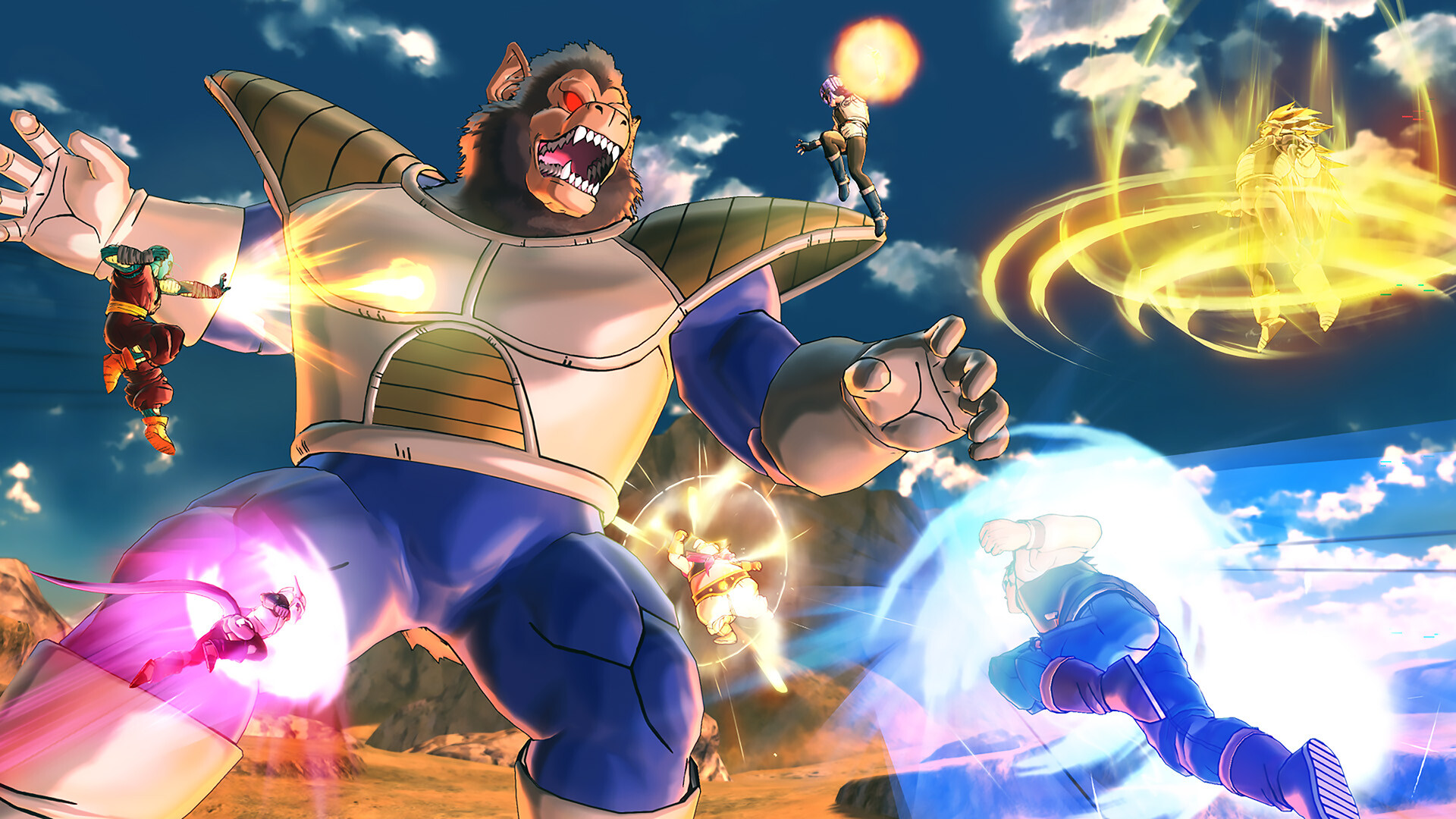
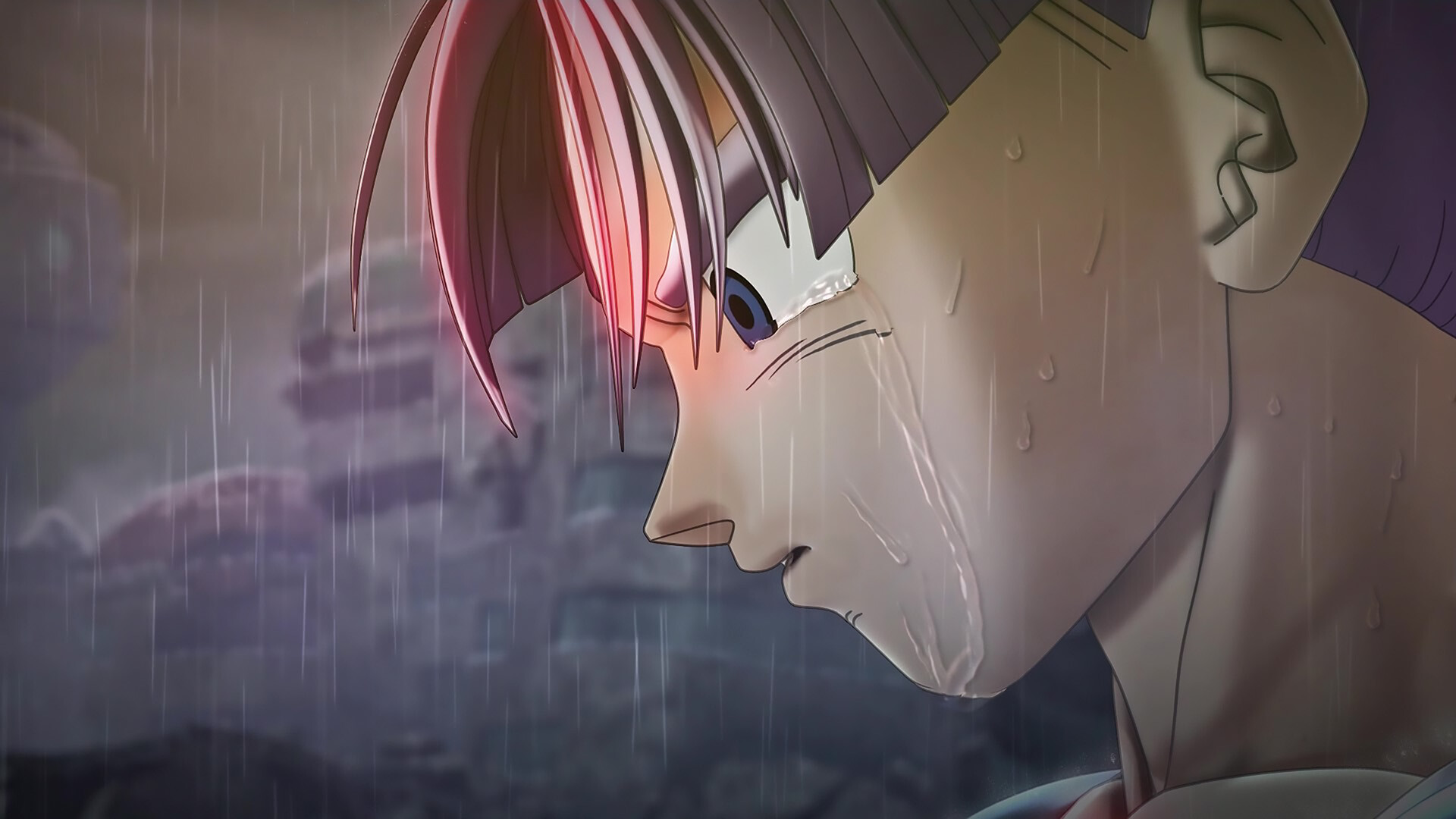
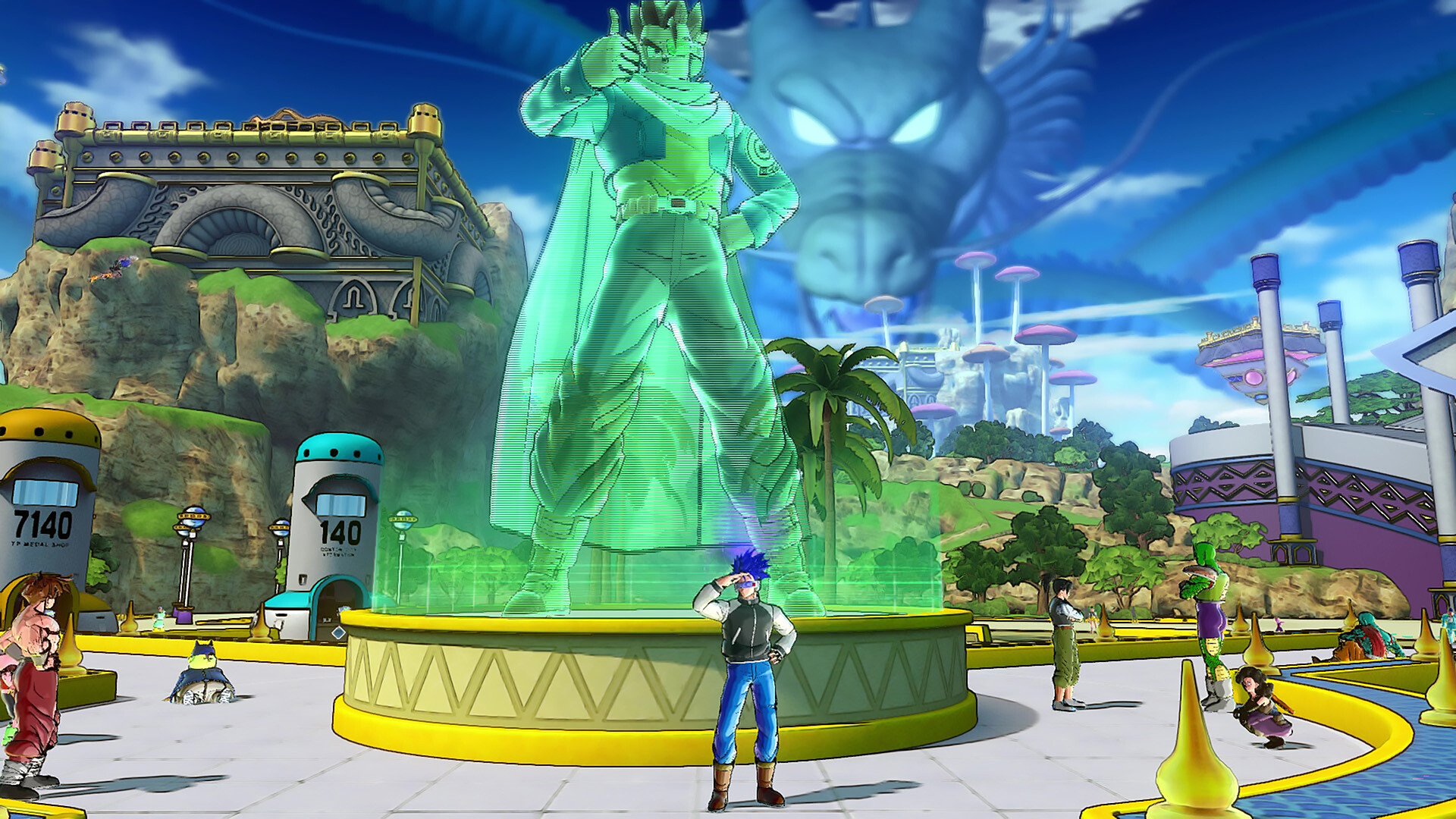
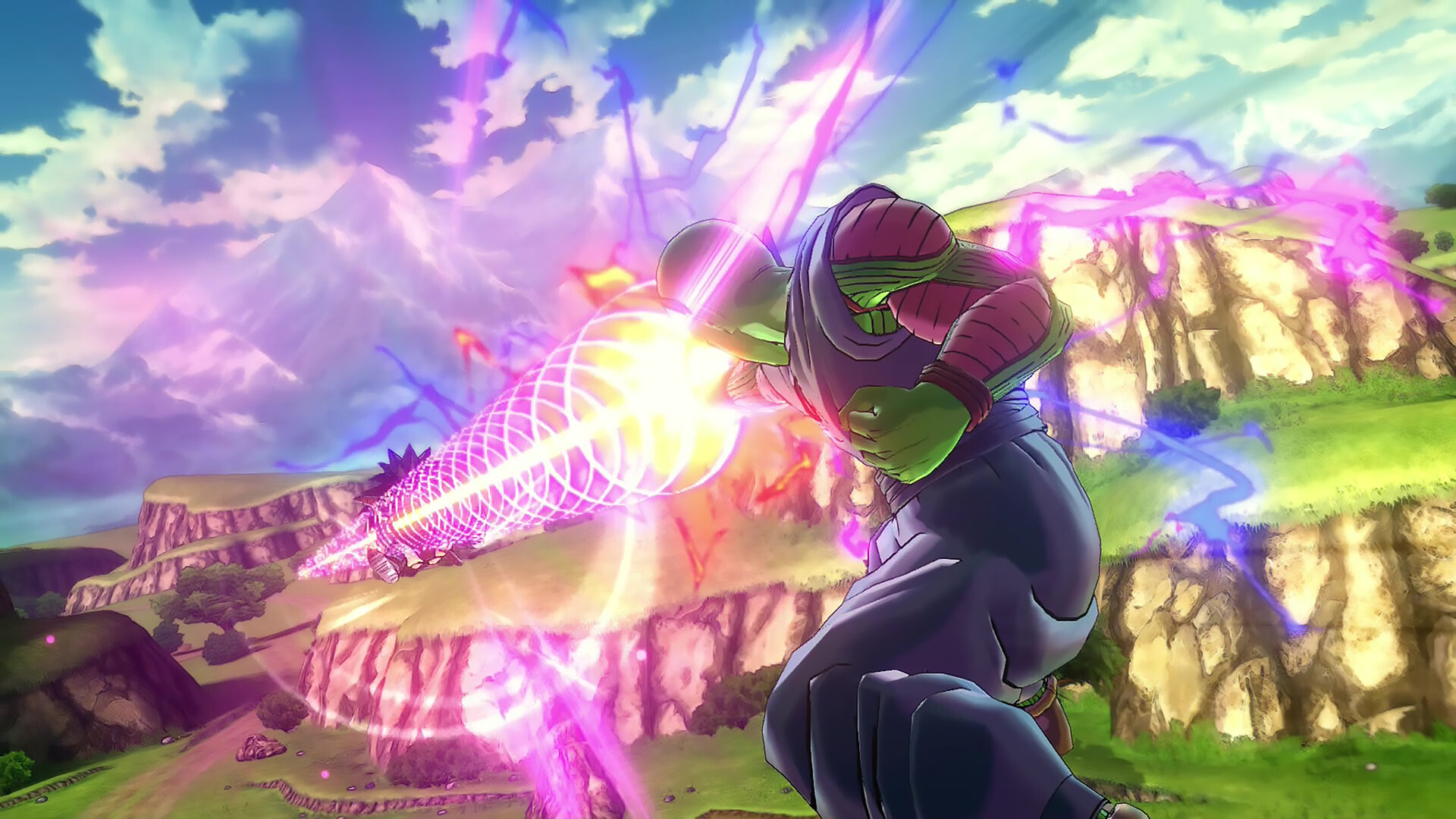
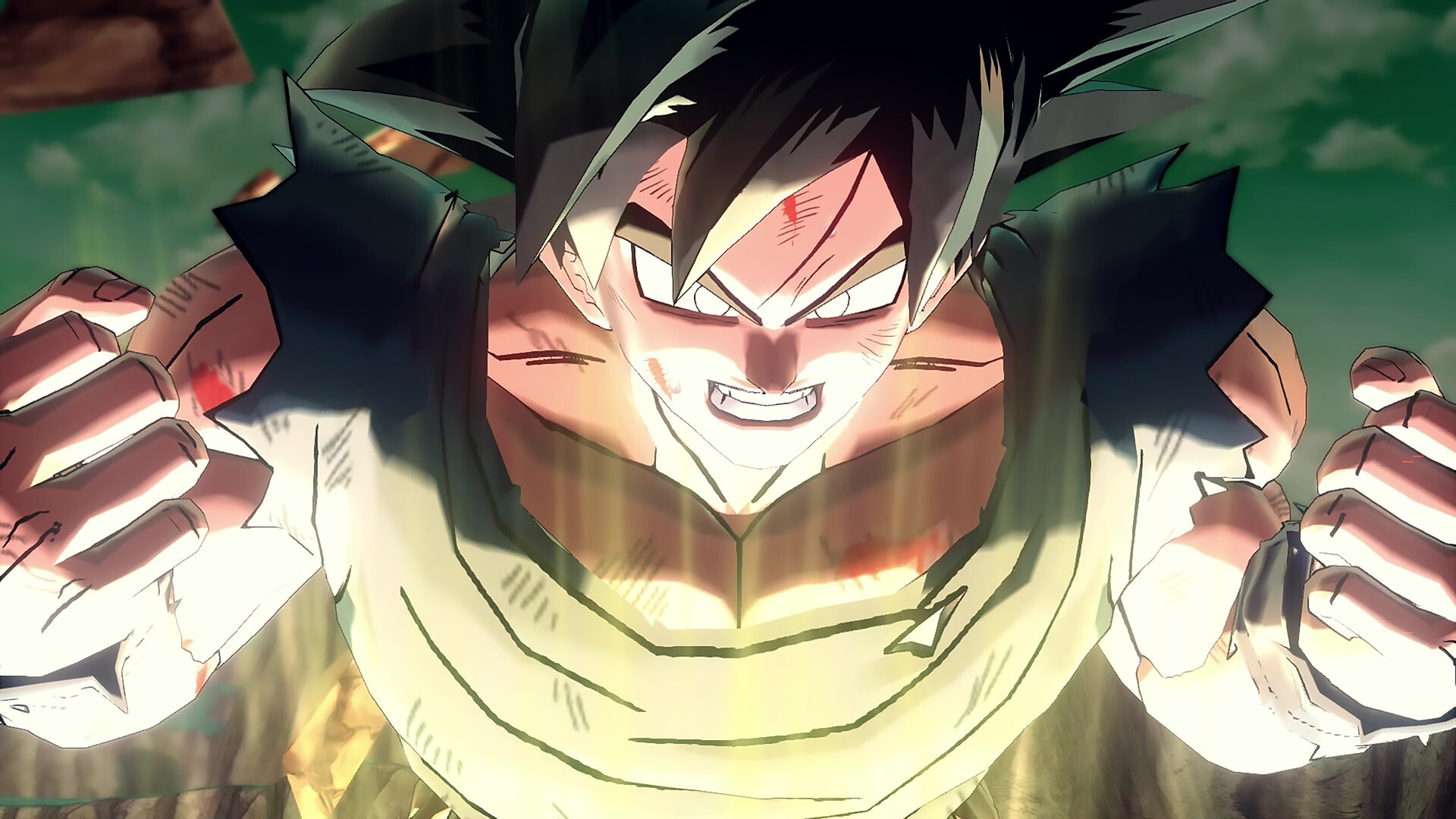
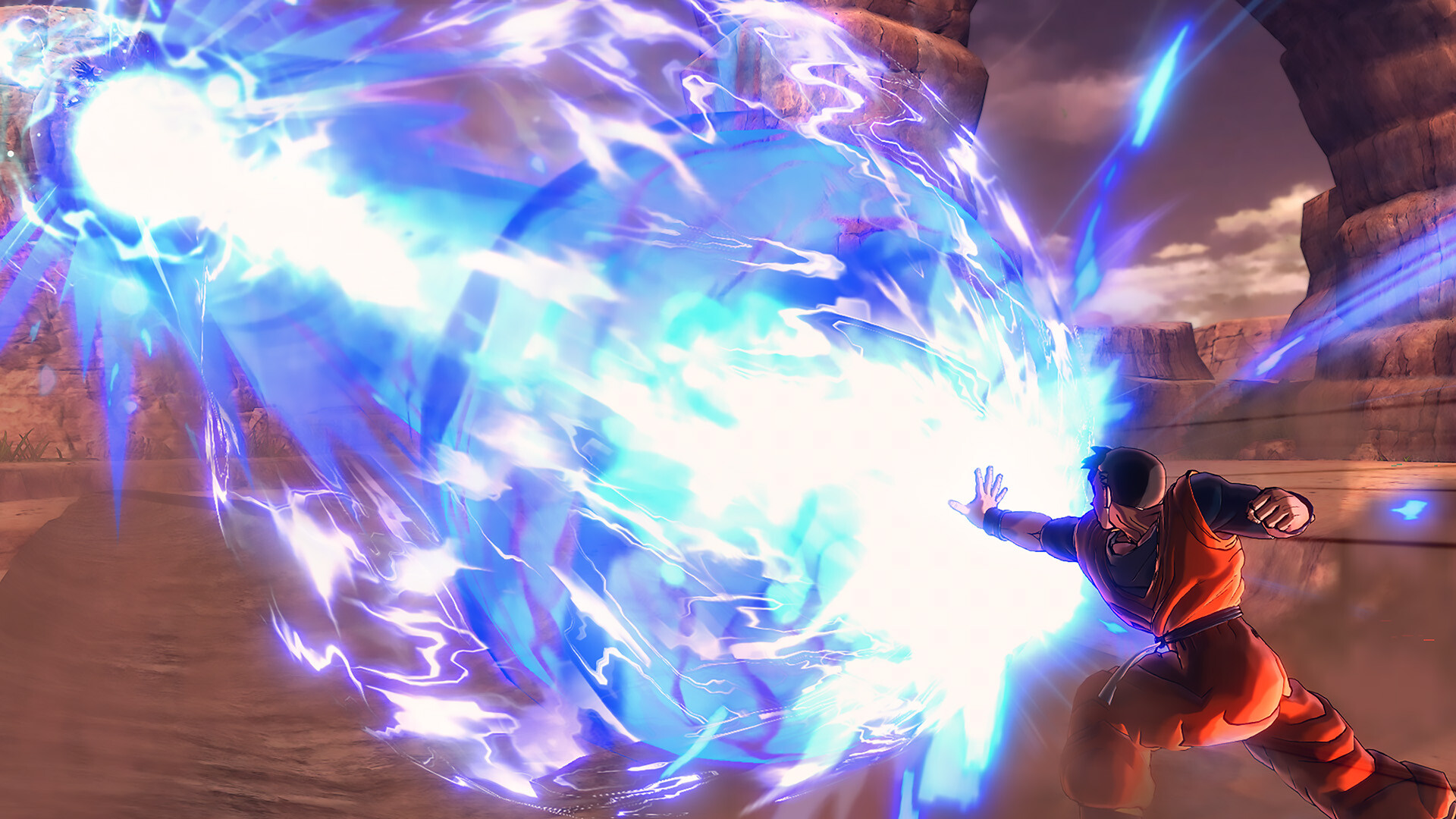


Startup Instructions
system requirements:
At least one installation is requiredWindows 10 x64releases1909and above,and has installedMicrosoft Store、Xbox、Xbox Gaming Servicesservice。
(of a computer) runGDK_Helper.bat
check or refer to3Enable Developer Mode
check or refer to1Installing the game
check or refer to4Disable developer mode
Start menu in the lower left corner Find the game to launch
take note of:
1、The computer must beMicrosoft Store besides Downloaded.XBOXOpen and log in to play【base environment Otherwise it will open with an error missingxgameruntime.dll】
2、Open the promptOnlineFix64.dllIt means that the firewall or antivirus on the computer was not turned off causing the online patch to be deleted by mistake.【Don’t play any games without turning them off.】
3、Official game version updates will not work,time-sensitive,If the prompt is not the latest version or is not working,Patiently wait for the site to update can not rush……
Introduction of the version
v1.25.02online version|integration of allDLC|quantitative (science)30.5GB|Official Simplified Chinese|Keyboard support.keyboard.video game controller