NBA 2K26-virtual machine version
Game Description
Glamorous career、fantasy team、Basketball League、Women’s Basketball Career and Quick Games,The battle for glory is imminent!leverageProPLAY™Supported by ultra-realistic technical movements to perform all-around offense,exist《NBA 2K26》Challenge friends or rivals in all competitive modes,be on top without regrets,lit. crowning of the Holy Spirit。
Gameplay Video
Game Screenshots


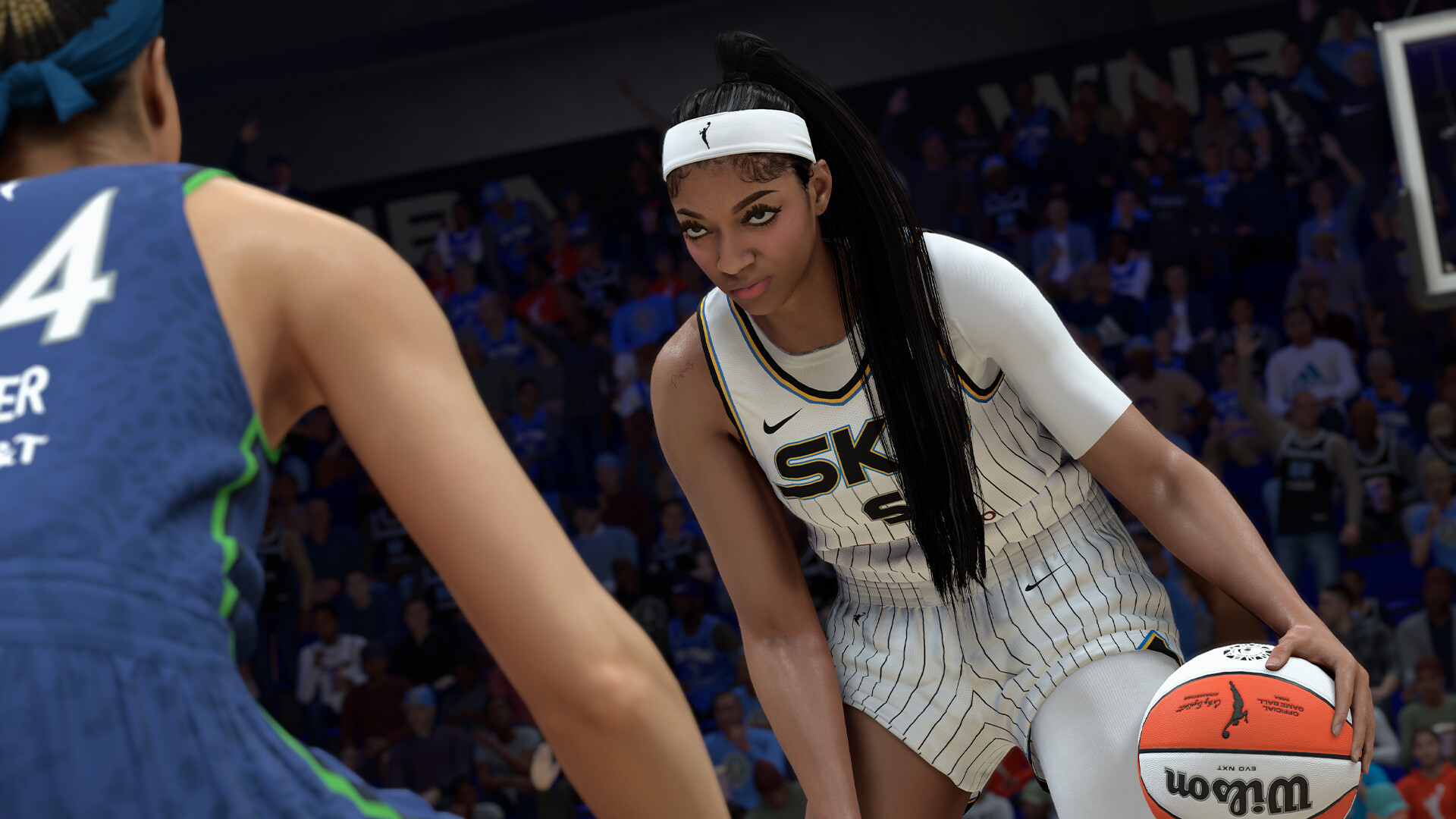
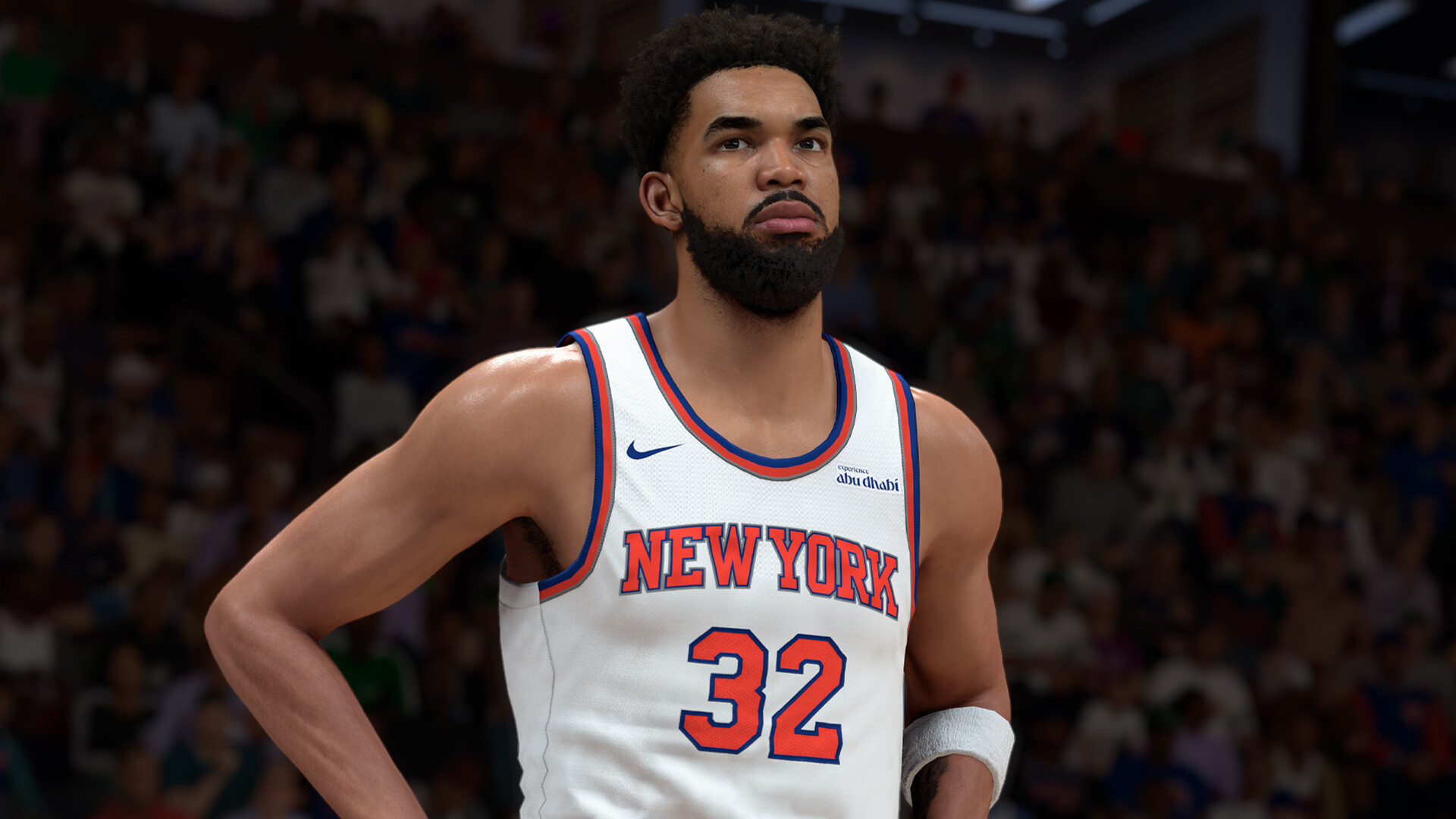

caveat
Virtual tools are still maturing(Insufficient compatibility,But not necessarily unplayable.)The virtual machine is only used to bypass theDname of an ancient state,So it plays basically the same as the normal version,Virtually no performance loss。
It’s not recommended if you don’t have the ability to do it and don’t want the hassle.(It’s not as much trouble as I thought.),But you really do get it.,DCrypto games are all playable with the relevant patches.。
Q1:Will it screw up the computer?
A:There’s no guarantee that everyone’s hardware will be compatible and playable,Think it over.!Some people have a certain blue screen/crash (of a computer)/Risk of damage to the system!Delete it if you can’t play it without any help in tossing it.!
Q2:Will the game be laggy,Easy to flashback
A:The virtual machine is only used to bypass theDname of an ancient state,Virtually no performance hit。These masterpieces require higher configurations,Some of the optimizations are also average,(If you can play.)If the flashback,There’s a very good chance that you’ll get a flashback even if you play the original.
Q3:Some games are individuallyCPUCan’t you play??
A:Recently updated game patches,Most of them are playable.,The author of the previous patch for the game has also been updating it in testing,It’s a virtual machine that’s coming of age.。Same patch, same game.,It’s also possible that your hardware can play,Other people’s hardware can’t play,So think it over before you go.。
Startup Instructions
Preparing the environment before opening the game(Everyone has to do it. It only needs to be done once. Followed by uninterrupted play of allDencrypted game)
Access to the motherboardbiosset up
1. Enabling Virtualization: locate SVM Mode (AMD) maybe Intel Virtualization Technology (Intel),set to Enabled。
2.Disable Secure Boot: locate Secure Boot,set to Disabled。
classifier for sums of money:Each motherboard’s specific settings are different Do not know the settings can be Baidu query or ask the beanbag their motherboard model of the relevant settings
When all of the above is done:show (a ticket)Denuvo.exe Check that the first row of settings have all been completed All show a small green dot to indicate that the above steps are completed
We click on the software’s one-click configuration environment,Then reboot your computer.。
Continue to open after restarting the computerDenuvo.exe strike (on the keyboard) Launching the game → Start playing.


Introduction of the version
Build.21854837|quantitative (science)98GB|Official Simplified Chinese|Keyboard support.keyboard.video game controller