
Snow Benz/SnowRunner/Support network connection
Game Description
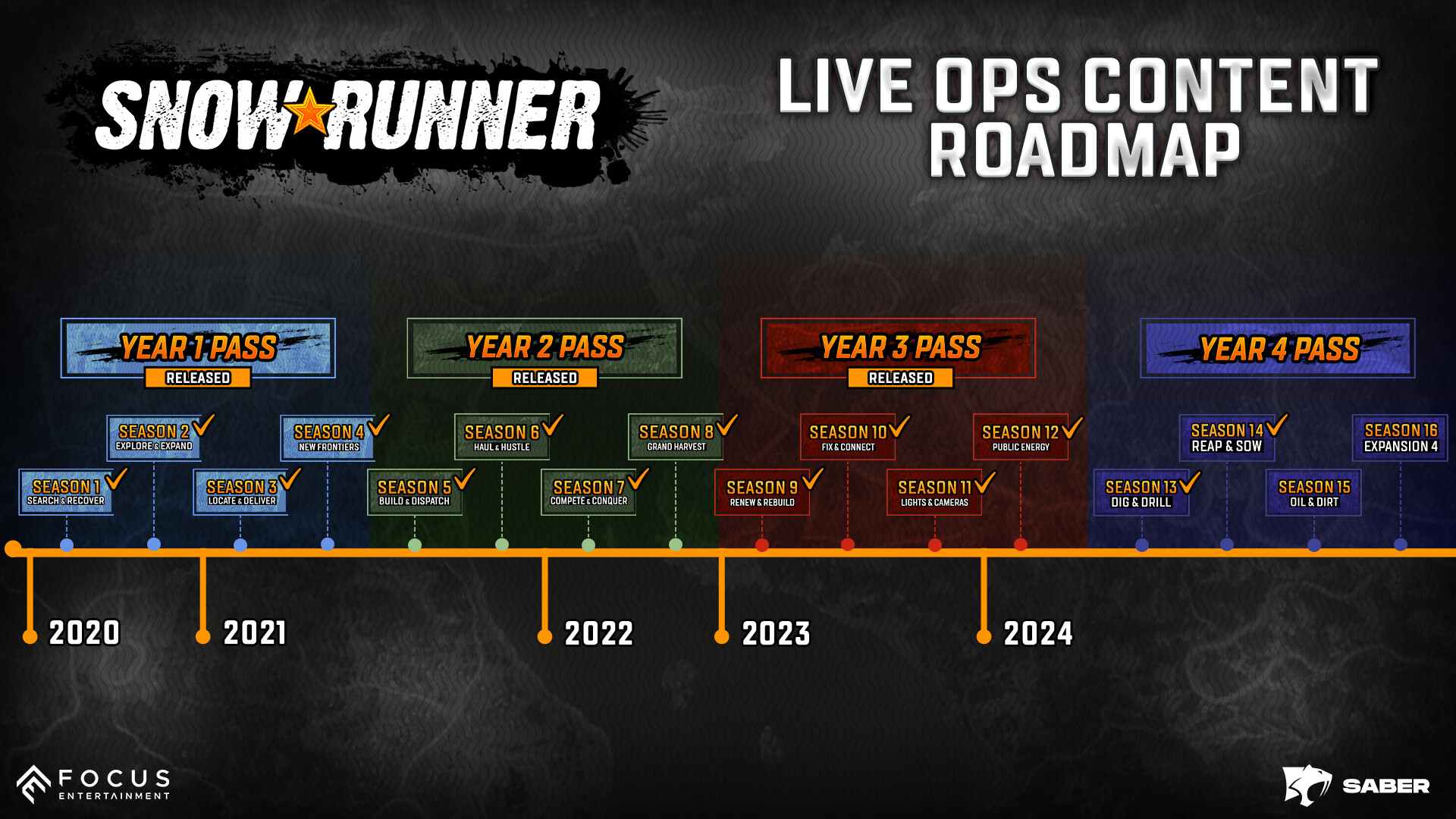
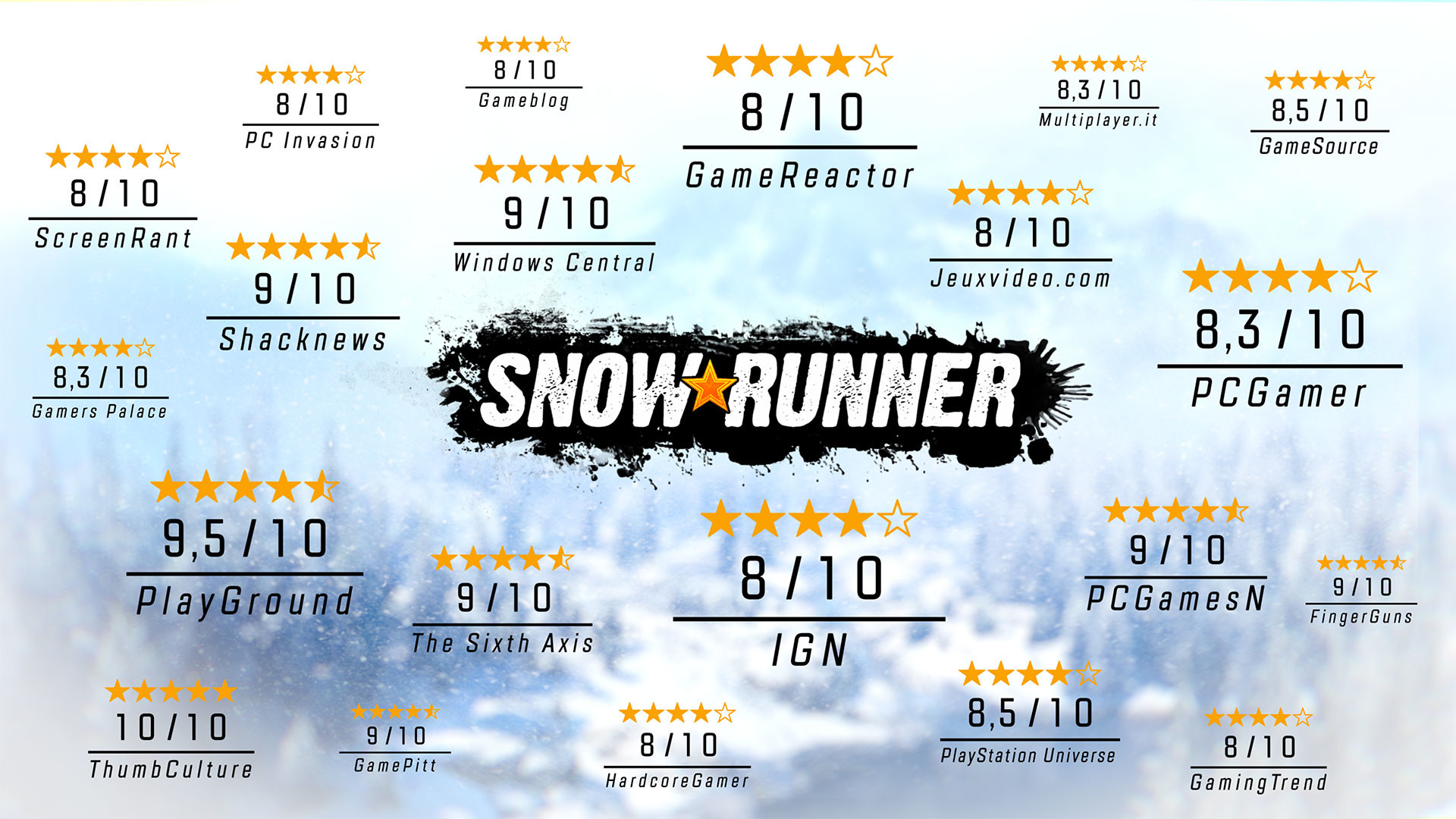
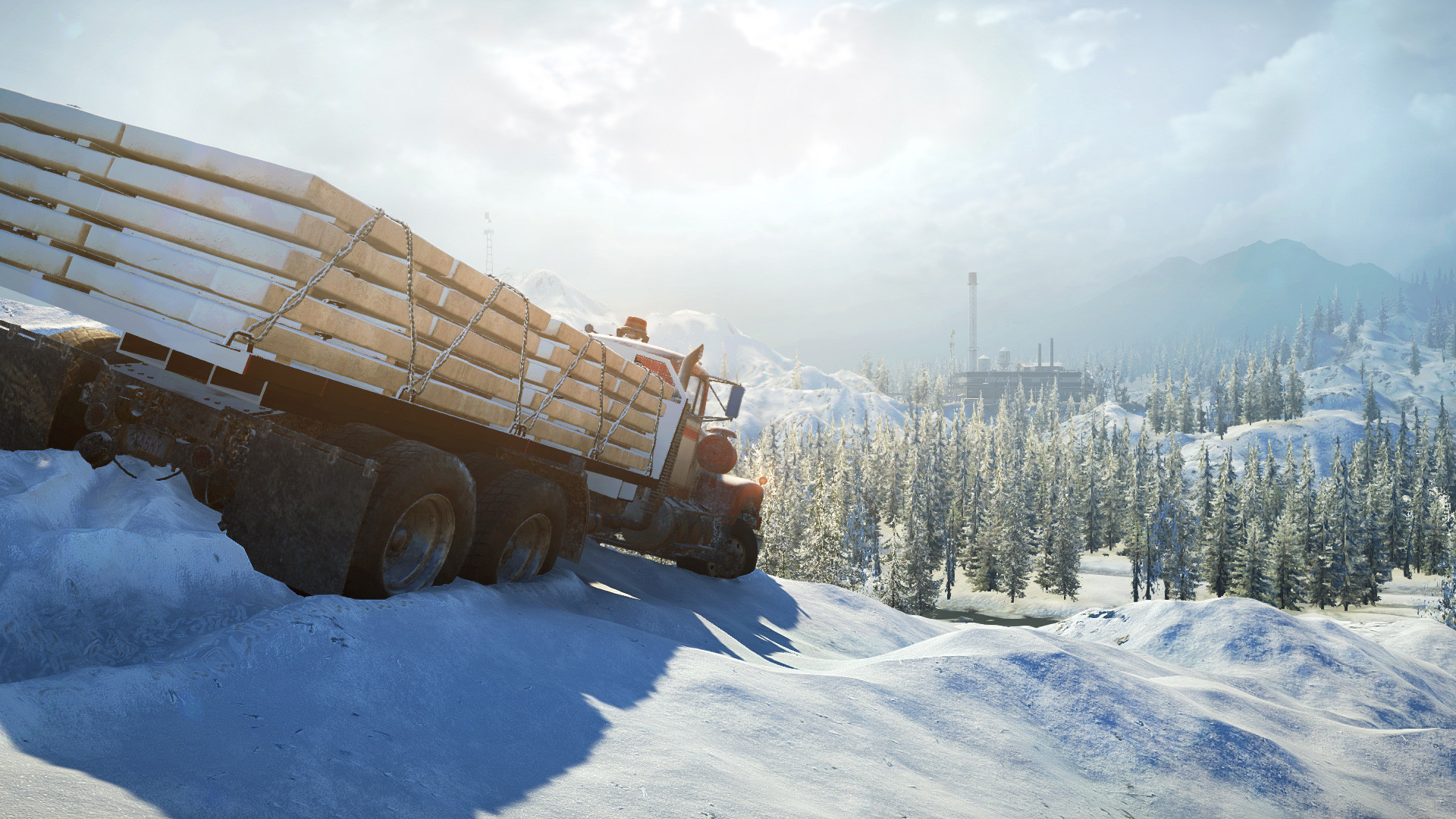
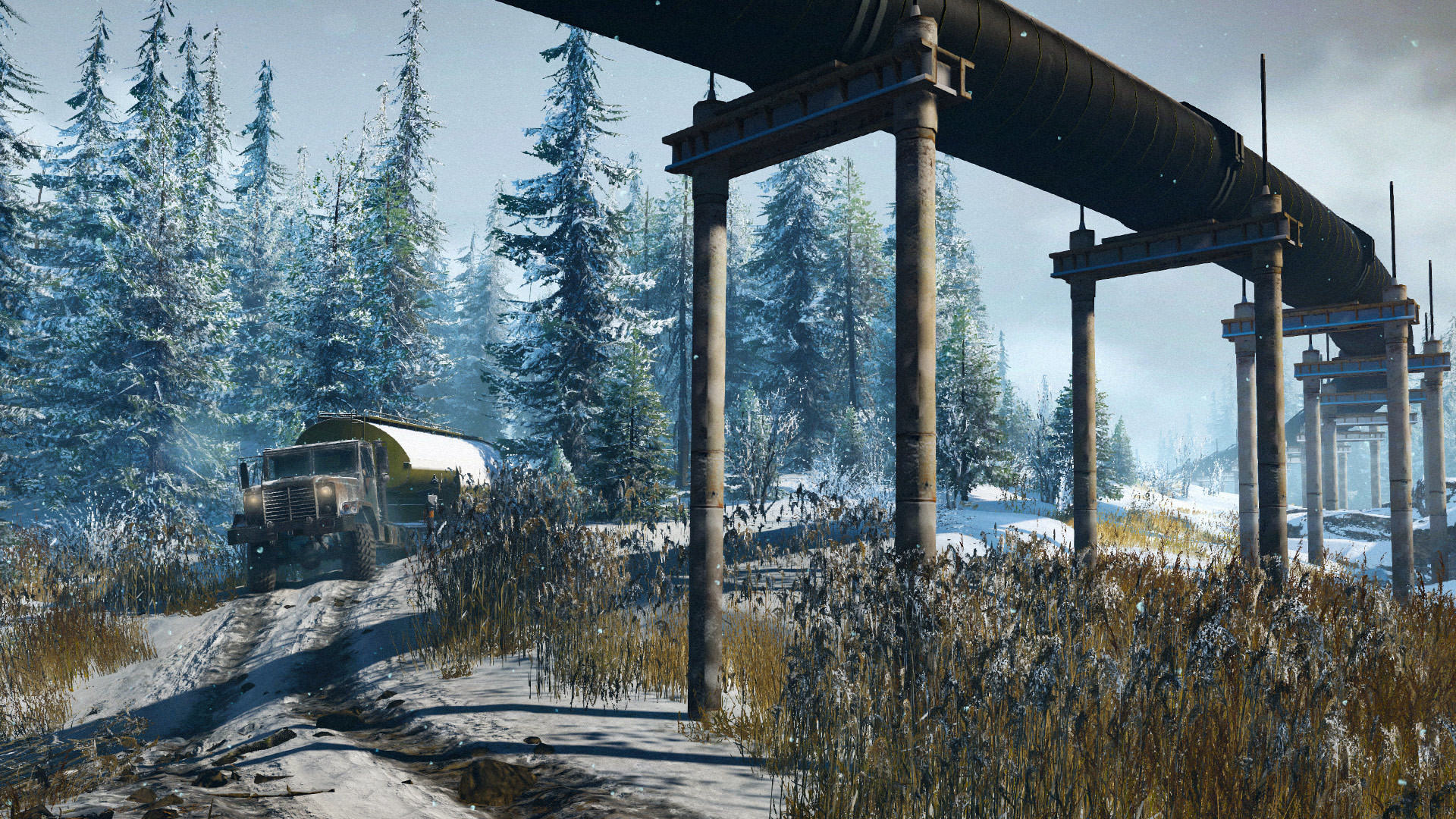
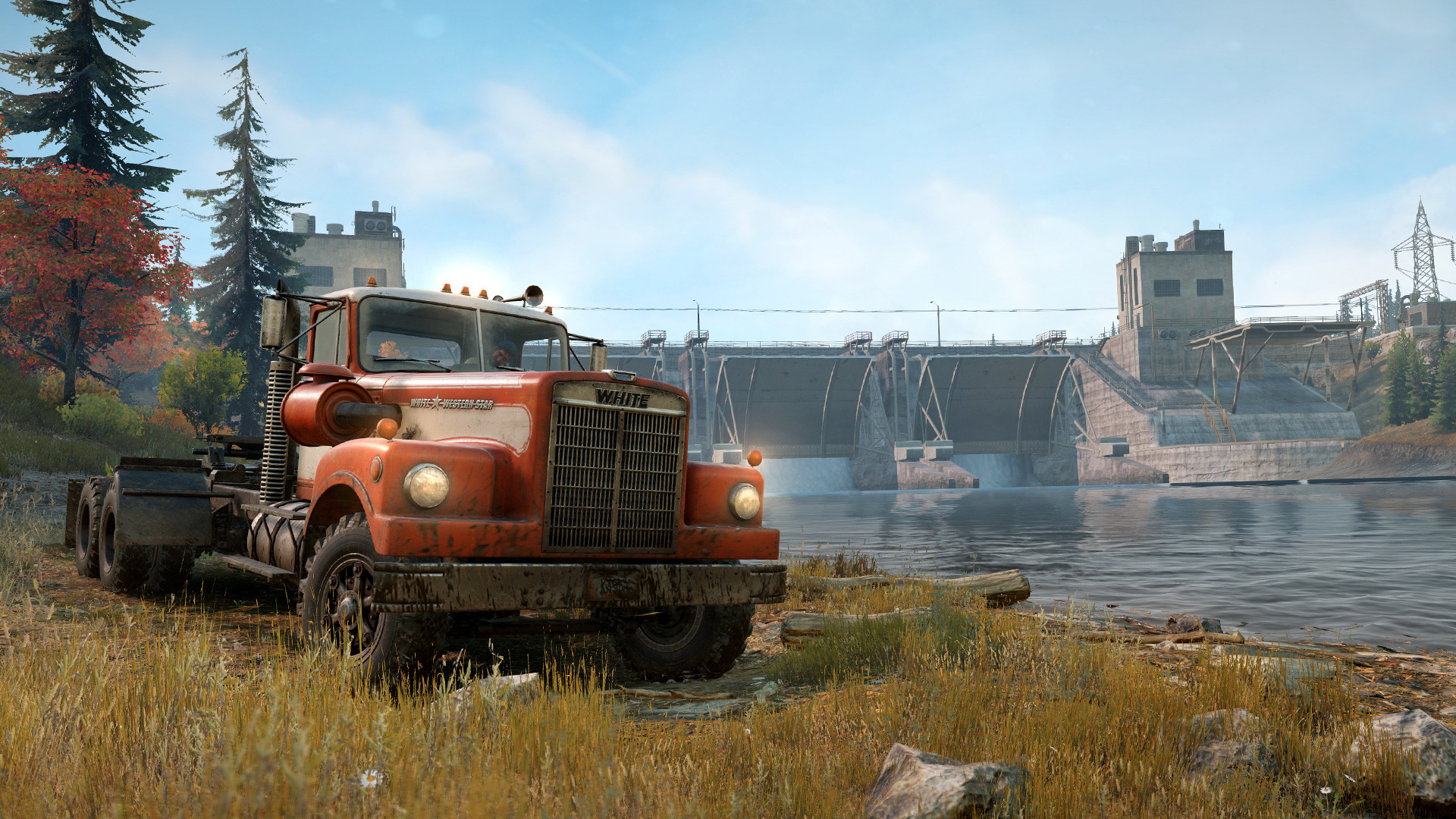
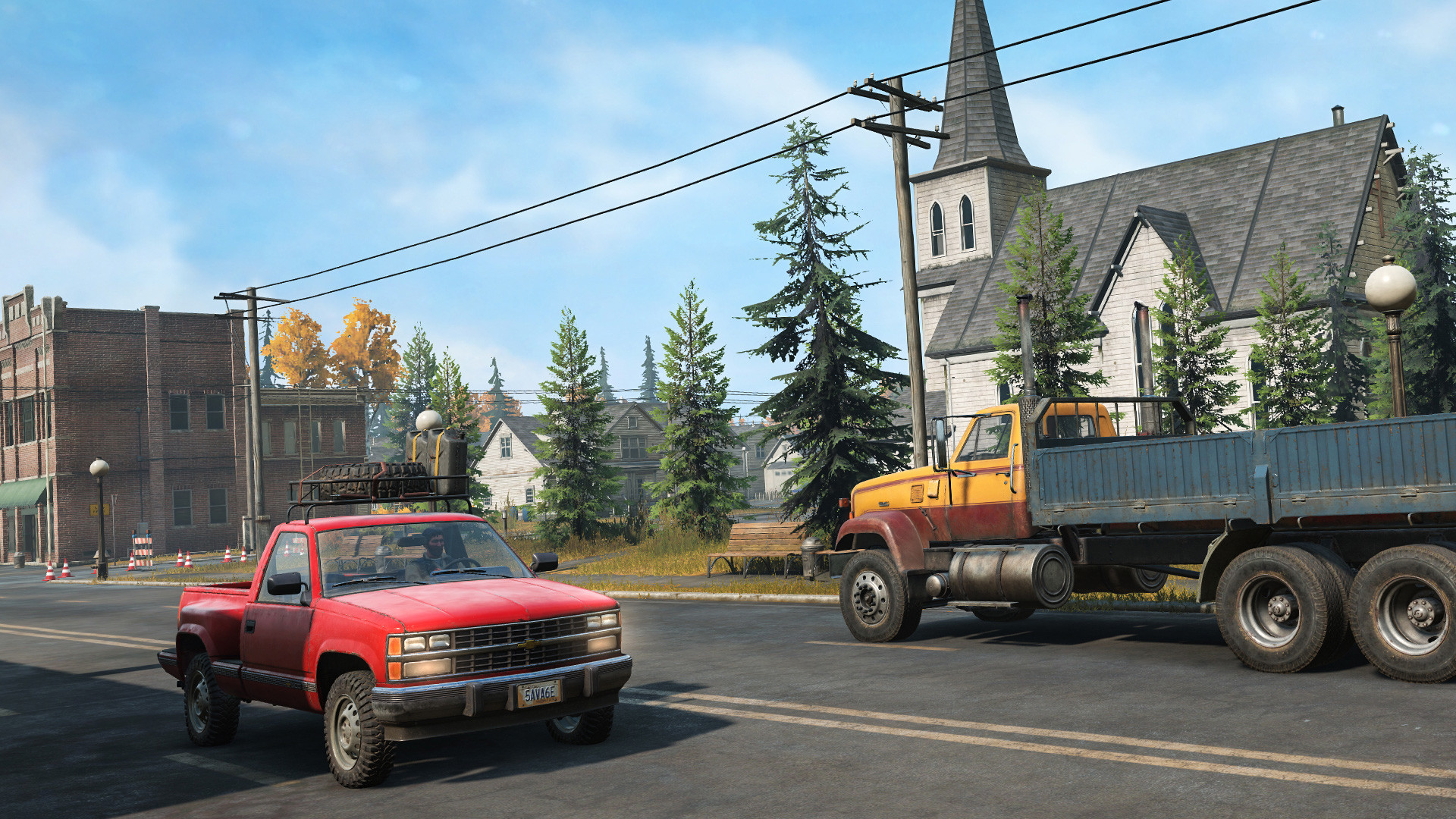
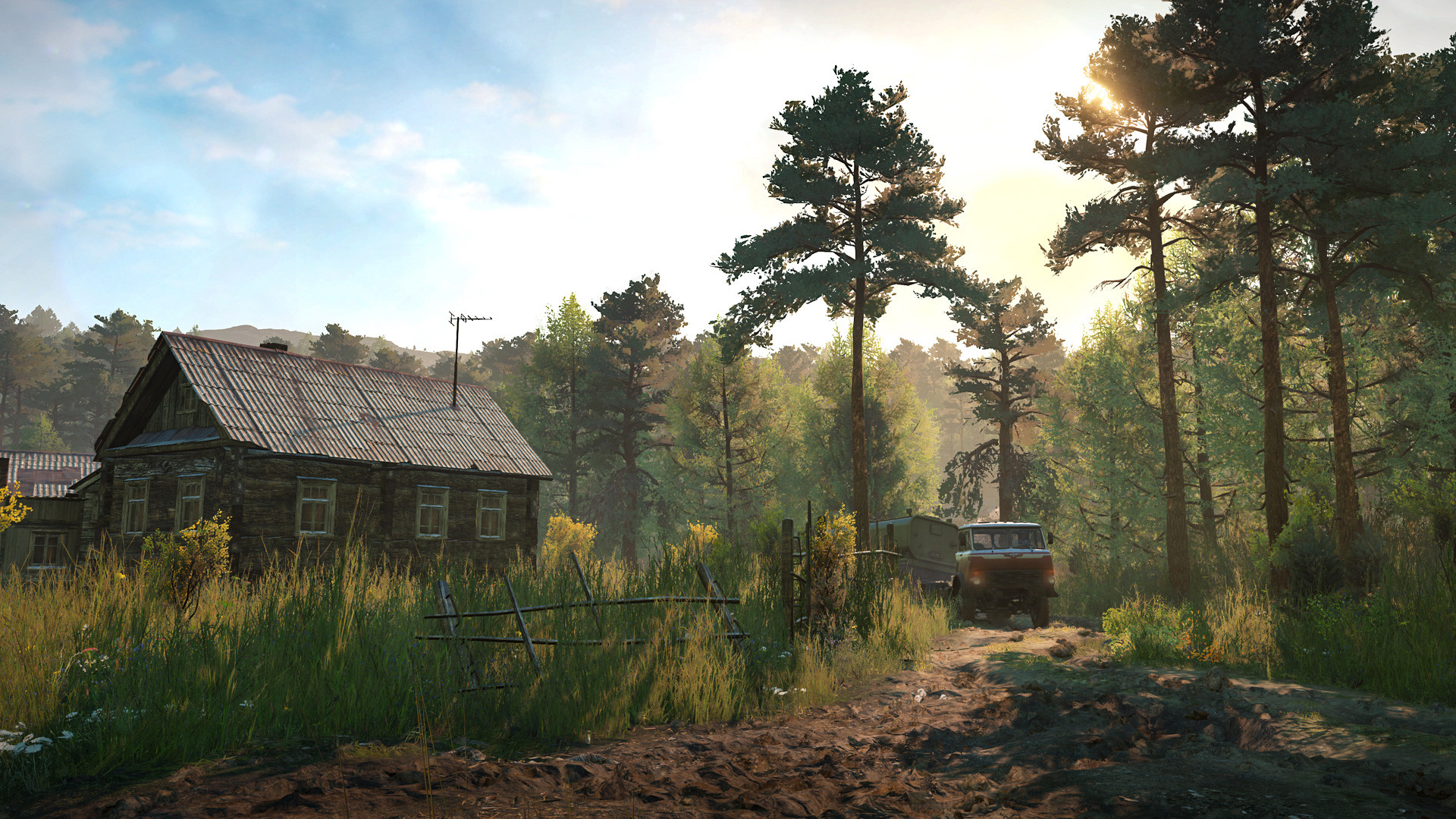
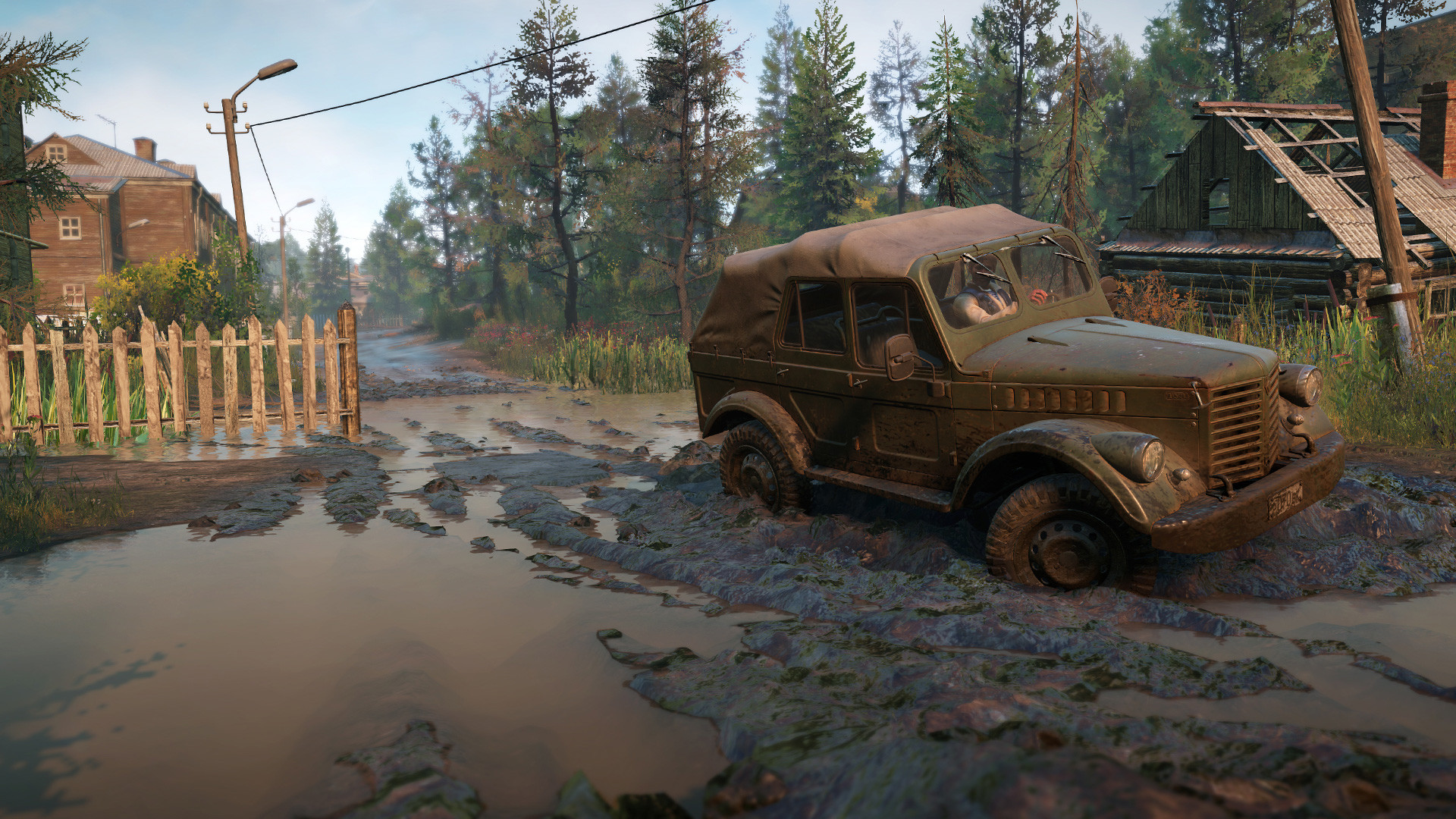
《Snow Benz》Will deliver the ultimate off-road experience,The game will have better graphics,Advanced simulation mechanisms,Large maps and carriers。The game has a large number of heavy vehicles that can be customized,These carriers come fromPacific,Navistarand many more,The world’s most untamable man.,In the most demanding environments。This game will have more than15New sandbox maps to explore,Some of these are better than their predecessors《Muddy Benz》The map is large4times (multiplier)。
Gameplay Video
Game Screenshots
How to connect
Startup Guide:
1. Reading System Requirements。
system requirements:
minimum configuration:Windows 10 x64(releases 1909 or higher),and has been installed Microsoft Store、Xbox respond in singing Xbox Gaming Services。
2. Run the `GDK_Helper.bat` file。(This step only needs to be performed once。)
3. check or refer to3start using“Developer model”(Developer Mode)。(If the system prompts,Please restart your computer.。)(This step only needs to be performed once。)
When enabling“Developer model”beforehand,Please check the internet for relevant information first,to understand the specific role and impact of the model。
4. check or refer to1Installing the game(option“Install Game”)。(This step only needs to be performed once。)
5. check or refer to4prohibit the use of sth.“Developer model”(option“Disable Developer Mode”)。(This step only needs to be performed once。)
6. pass (a bill or inspection etc)“commencement”Menu to start the game。
In-Game Operation:
Join the game:
Accept invitations from friends。
Create Server:
Start Co-Op(Start of cooperation)→ Create Game(Create a game)→ Start co-op(Start of cooperation)→ check or refer to ESC linchpin → check or refer to C linchpin → Invite(attend)→ Invite Friends,and wait for its connection to join。
Introduction of the version
v1.0.151.0online version|quantitative (science)63.9GB|Official Simplified Chinese|Keyboard support.keyboard.video game controller


 English
  Chinese